

Payments in Russia
and abroad.
Cards, transfers and QR payments from one Sendbit ruble balance.
Top up by SBP or with USDT and USDC.
Exchange rates
All conditions ↗Loading the latest rates…
Everything in one wallet
Choose what you want to do. Then select a method to see the amount and any fee.
Choose a way to pay or transfer
See the approximate amount before continuing in your wallet.
Rates and fees are confirmed when you complete the operation in Sendbit.
Fees and limits ↗Select a method to see your estimate.
Figures are estimates. Check the final amount and fee before confirming in your wallet.
Which card suits you?
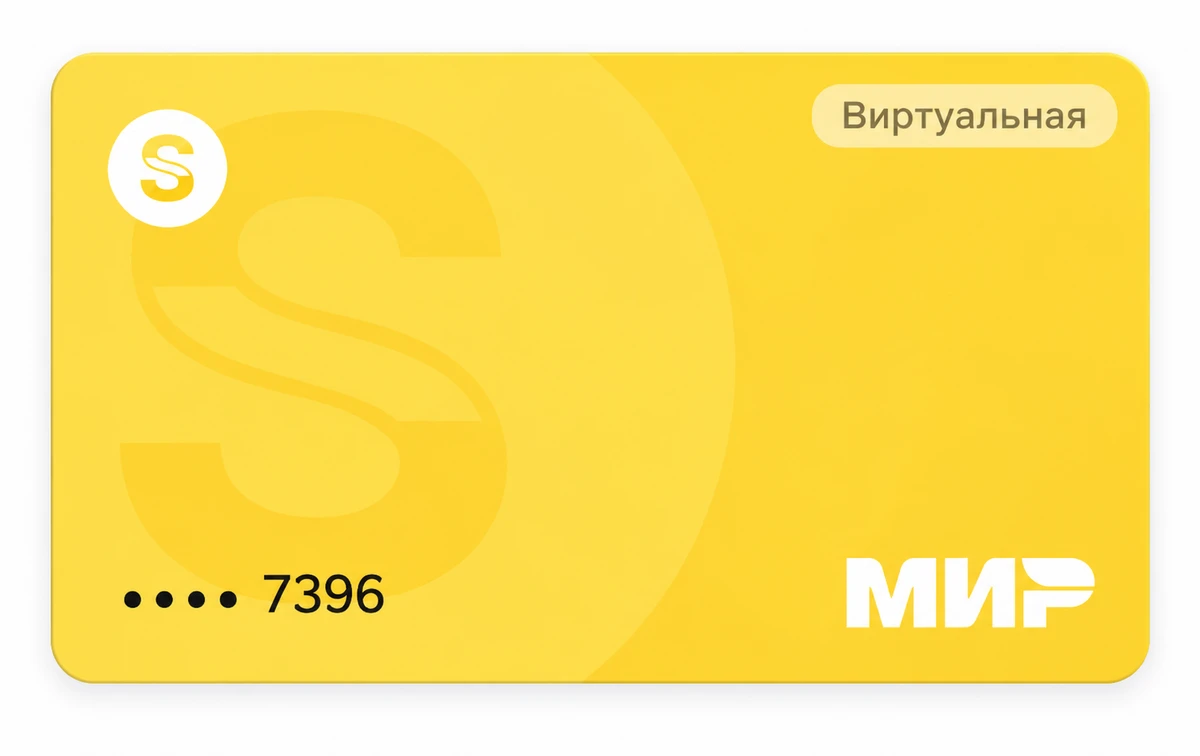
VISA for purchases abroad and online. MIR for purchases in Russia.
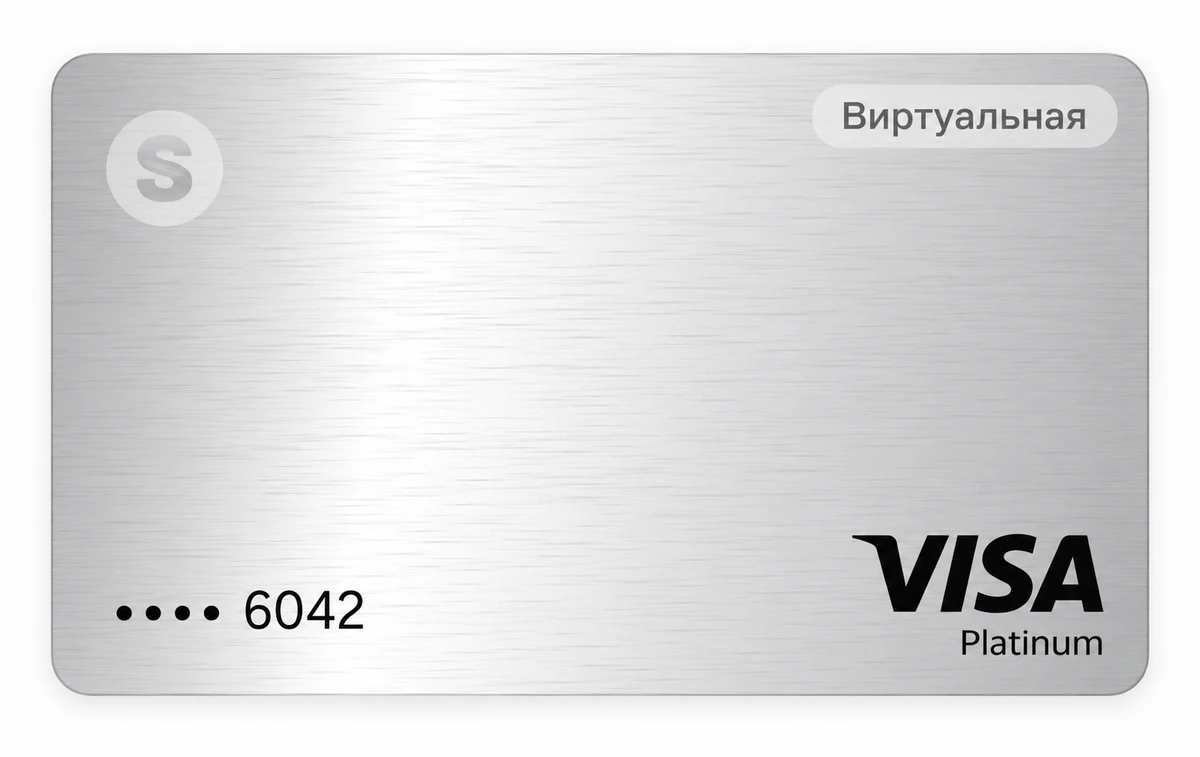
Virtual VISAVISA for purchases abroad
Pay at eligible shops, hotels and online services. Add the card to Apple Wallet or Google Wallet.
- Issue fee
- 3,990 RUB
- Maintenance
- Free
- Source of funds
- Sendbit balance
- Payment
- Purchase currency
Four steps. You're in Sendbit.
- 01
Open the wallet
In your browser or the official Telegram bot.
- 02
Verify your identity
Follow the instructions in the wallet.
- 03
Top up your balance
Use SBP with no Sendbit fee, or USDT / USDC.
- 04
Choose how to pay
Use virtual VISA, MIR or QR payments.
Frequently asked questions
All answers ↗What is Sendbit Wallet?
A wallet for everyday payments with a shared ruble balance, virtual VISA and MIR cards, QR purchases and transfers.
Do I need to verify my identity?
Yes. Follow the verification instructions inside your wallet.
How is Sendbit connected with ALTYN?
Sendbit works with ALTYN and service providers. See the dedicated provider and legal documents pages for details.
Do I need to install an app?
No. Open the personal wallet in your browser or the official @sendbit_wallet_bot. On iPhone you can add the wallet website to your Home Screen using Safari → Share → Add to Home Screen.
How do I top up by SBP?
In your wallet select Top up → SBP, choose your bank, enter at least 1,000 RUB and approve the transfer in your bank application. Sendbit does not charge a deposit fee.
News and guides
All articles ↗How to top up Sendbit: SBP, USDC or USDT
Compare top-up methods, minimum amounts and when the ruble amount is calculated.
Read article ↗Payments · 2026-10-22VISA, MIR or QR: choose how to pay
Which option works for international services, Russian purchases and phone top-ups?
Read article ↗Getting started · 2026-10-22Sendbit in a browser or Telegram
Find the official wallet, add it to an iPhone Home Screen and verify the real Telegram bot.
Read article ↗About Sendbit and its documents
Find out who provides the services, how your information is protected and which agreements apply.